Last updated Feb 03, 2026 at 03:12am
There is now a new "tab" on each cursor page that shows you how to add cursors into your blogger/blogspot websites. Just read the instructions and it should work. But remember that animated cursors only show on IE. And btw, I definitely should have done this a long time ago. Blogger is the most popular blog service in the world isn't it? But now you can rejoice.
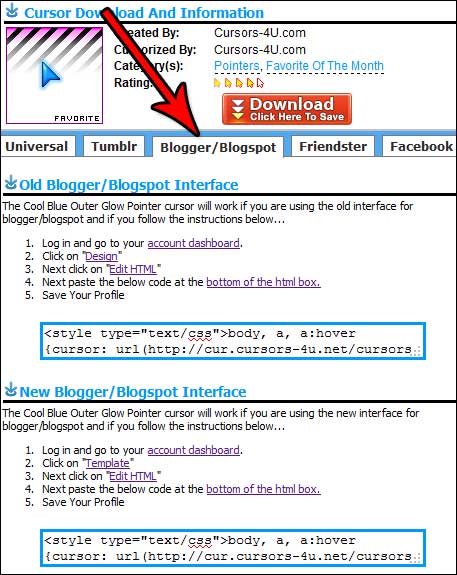
Here's the basic run down of how to do this...
- Log into your account and click on Design
- Next click on Template
- Next click on Edit HTML
- Paste our cursor code at the very bottom after </html>
- Save your changes
Whoopie doooooo! This is my first update in over 5 months. Also one other thing. I removed the myspace tab, and yup, I replaced it with the blogger/blogspot tab.
Comments